> For the complete documentation index, see [llms.txt](https://docs.goless.com/llms.txt). Markdown versions of documentation pages are available by appending `.md` to page URLs; this page is available as [Markdown](https://docs.goless.com/blocks/general/clipboard.md).
# Clipboard Block
Description of the Clipboard Block work
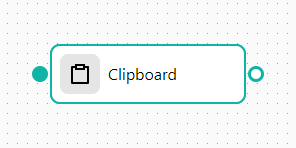
The Clipboard block works with the operating system's clipboard. Two operating modes are available:
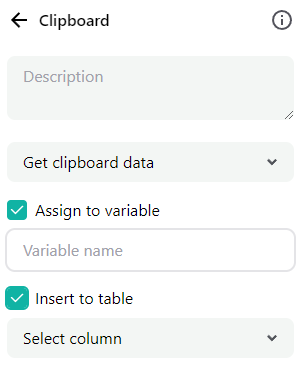
* Getting data from the clipboard (Get clipboard data) - this mode allows you to get data from the clipboard into a workflow variable or an internal table, depending on the settings.
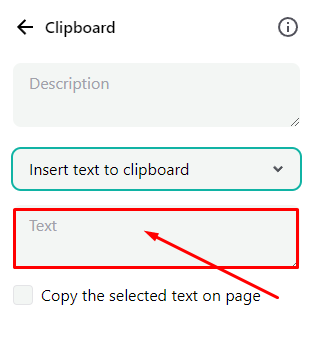
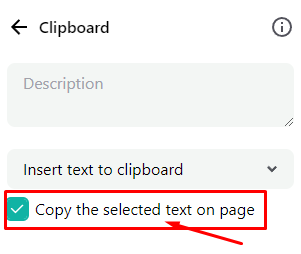
* Insert text to clipboard - allows you to insert data into the clipboard. In the first mode, you can paste information into a text field. The second allows you to copy a selected fragment of an http page to the buffer.